Overview

Rigel Workstation Quick Tour Presentation

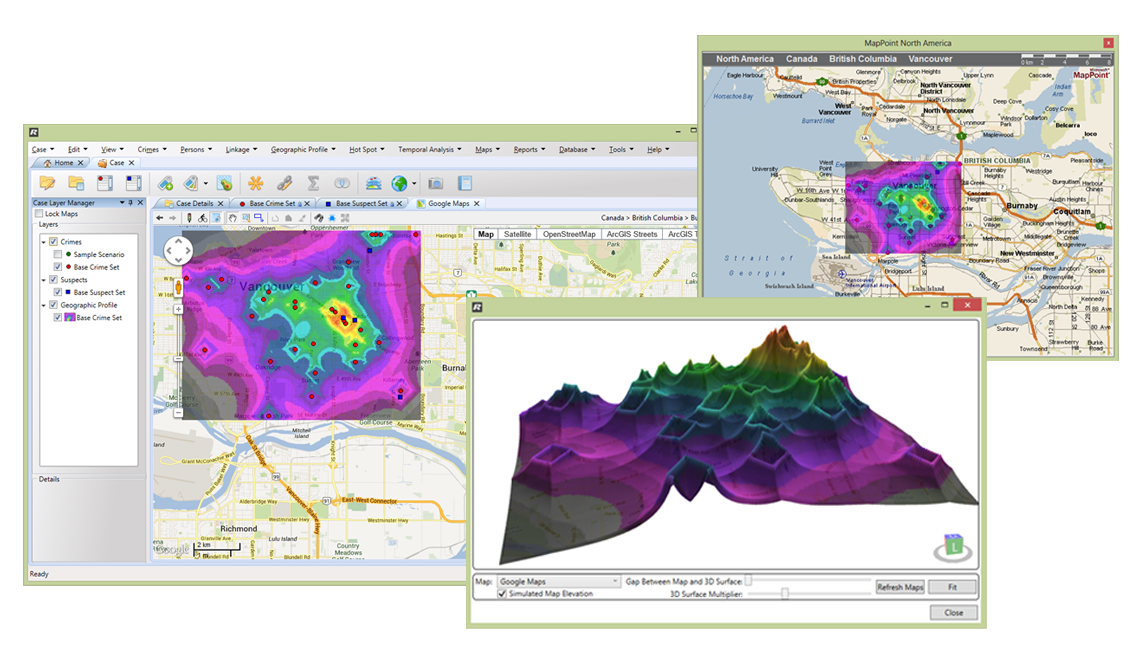
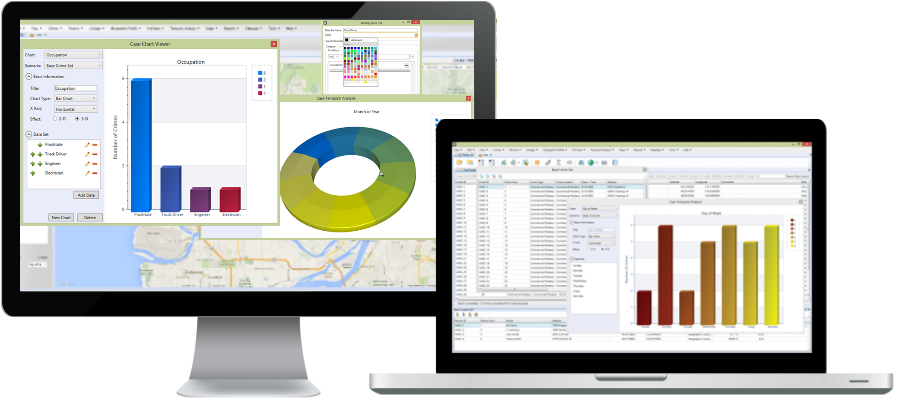
Rigel Workstation is ECRI’s newest serial crime analysis solution developed with the Crime Analyst’s workflow in mind.

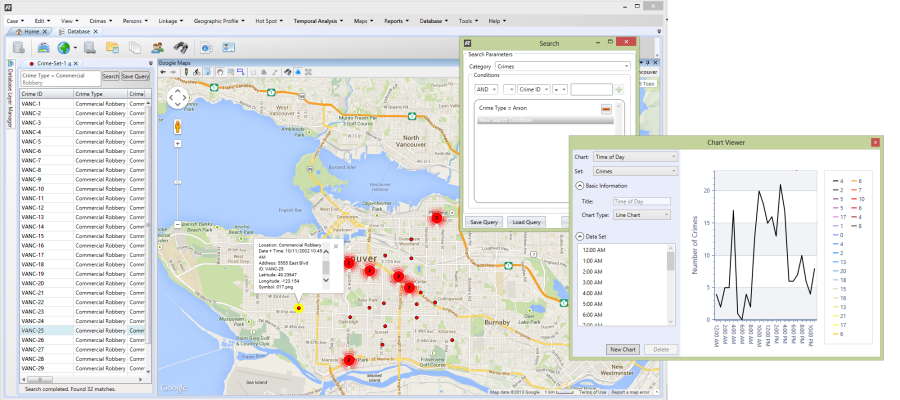
Rigel Workstation allows analysts to create and manage their own global crime and suspect database.

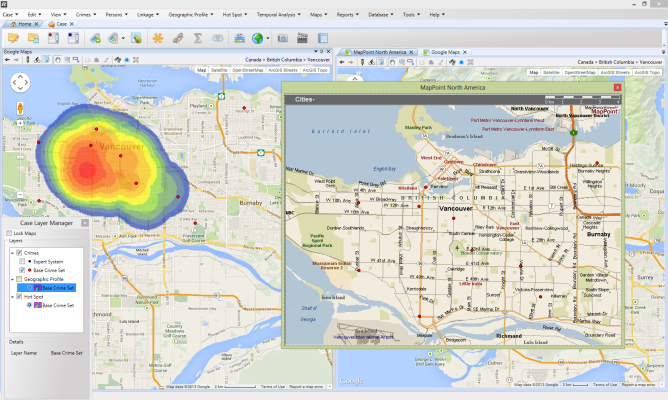
The expanded set of analysis tools, and facilities for generating custom analysis workflows, enable analysts to filter, visualize their data, and produce reporting that move serial crime investigations forward.

Rigel Workstations is also highly extensible. Crime Analysts have the ability to add new analysis modules as new science and techniques develop.

It is highly recommended that Crime Analyst and Investigators, wishing to take advantage of the Enhanced Geographic Profiling module, complete the Geographic Profiling Analyst certification training. Please see the training page for more details.

Licensing Options

Standalone

Standalone License Model IconThe standalone license provides a single copy of the software and license key to be installed on one PC for one user.

Network

Network License Model IconThe network version is composed of a Network Master License and one or more Concurrent User Licenses. Concurrent license use is managed by the central license server on the network. Using the Network License model, Rigel Analyst can be installed on as many systems as you want within your network, but can only be used simultaneously by the total number of Concurrent User Licenses you own. E.g. if you have 4 users and 2 Concurrent User Licenses, all 4 users could have Rigel Analyst installed on their computers, but only 2 could use Rigel Analyst at any given time.

GIS Support

ESRI ArcGIS 9.x and 10.x ArcGIS Logo

Microsoft MapPoint 2002, 2004, 2006, 2009 and 2010 Microsoft Logo

Pitney Bowes MapInfo Professional 8.5, 9.x and 10.x Pitney Bowes Logo

Google Maps (requires internet connection) Google Logo

Minimum System Requirements

Workstation

CPU Speed: 2.2 GHz dual core or higher
Processor: Intel Core Duo, Pentium 4 or Xeon Processors
Memory/RAM: 2 GB or higher
Display: 24 bit color depth
Resolution: 1024 x 768 recommended or higher at Normal size (96dpi)
Swap Space: Determined by the operating system, 500 MB minimum.
Disk Space: 2.4 GB and up to 50 MB of disk space maybe needed in the Windows System directory (typically C:\Windows\System32). You can view the disk space requirement for each of the 10.0 components in the Setup program.
Graphics: 24 bit capable graphics accelerator. An OpenGL 2.0 or higher compliant video card is required, with at least 128 MB of video memory, however 512 MB of video memory or higher is recommended.
Network Card: Simple TCP/IP, Network Card or Microsoft Loopback Adapter is required for the License Manager.

Network (Network License Only)

Windows Workgroup Network

  • Computers are full Windows machines, connected to a network via an IP address. The computer trying to run Rigel will only need access to the server via TCPIP/TCP.
  • Physical Computers:  Each User will have a physical computer where Rigel is installed  + one physical computer with a static IP address where the NetHASP dongle will reside.

Thin-client Environments

  • Citrix Server / Windows Server with Terminal Services.
  • Physical Computer: A user will logon to the Server as Thin-Client to access Rigel (There is no ECRI software on this machine)  + Physical computer/cluster for the Terminal Services (Rigel is installed here) + one physical computer with a static IP address where the NetHASP dongle will reside.